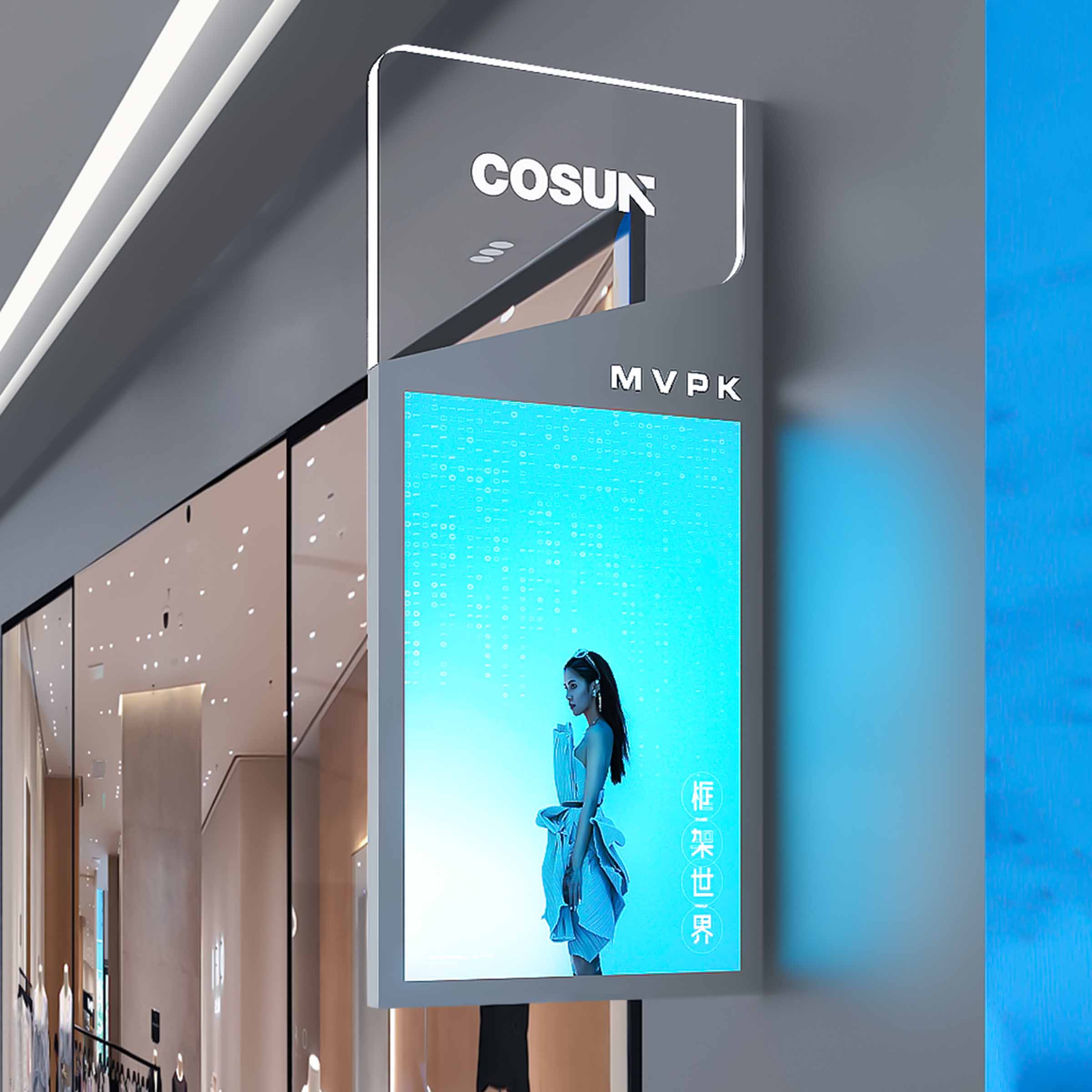


Why IP ratings matter for tactile wayfinding
When you’re fitting out a lobby or corridor with tactile, ADA-compliant signs, the IP rating tells you whether those signs will shrug off the weather or fail when it rains. Folks who manage buildings care about more than looks — they want durability, legibility, and code compliance. That’s why teams installing digital wayfinding signage often specify an IP rating up front: it’s an objective measure of ingress protection against dust and water, and it pairs with tactile requirements like raised characters and Braille under ADA rules.
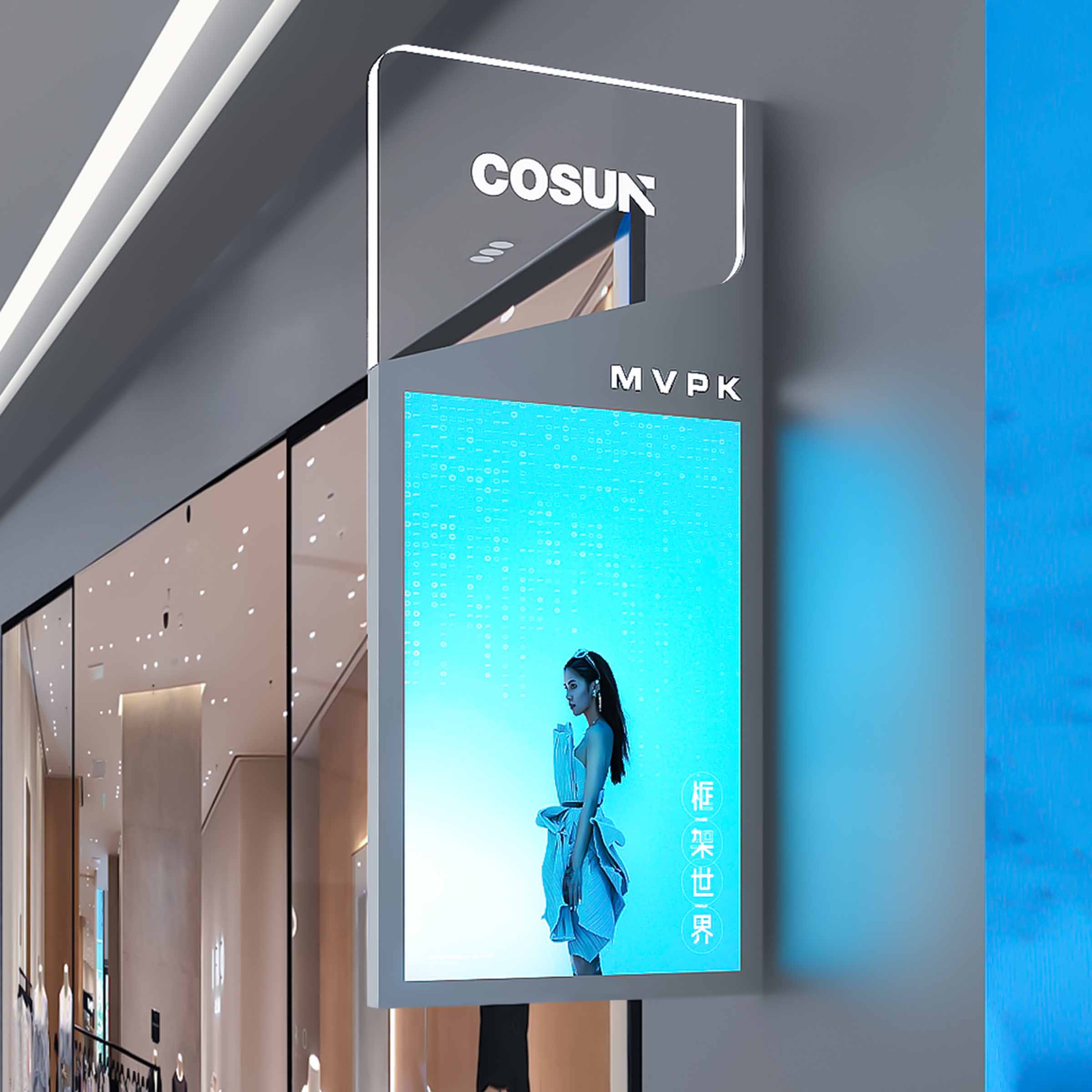
IP65 versus IP67 — the practical difference
IP65 defends against low-pressure water jets and complete dust ingress; IP67 steps up to temporary immersion (typically 1 meter for 30 minutes). For indoor corridor signage, IP65 is usually sufficient. For exterior signs near loading docks, uncovered entries, or places that see flooding, IP67 gives you extra insurance. Include terms like IP rating and ingress protection on your spec sheets so everyone’s on the same page.
How the difference affects materials and mounting
Comparing the two changes several things in the build and installation:
– Sealing: IP65 needs robust gaskets and silicone seals; IP67 often requires potting compounds or welded seams to prevent immersion ingress.
– Enclosure construction: Higher-grade stainless steel or fully sealed extrusions are common for IP67, whereas powder-coated aluminum can work fine for IP65 in sheltered spots.
– Hardware and connectors: Choose waterproof connectors and consider power-over-ethernet (PoE) where possible to minimize penetration points through the enclosure.
Sourcing smartly — suppliers, testing, and documentation
Buyers should evaluate suppliers on three practical fronts: prototype testing, material traceability, and installation guidance. Ask for third-party IP testing reports and sample units for accelerated salt-fog or UV testing if your site sees coastal exposure. Also look for manufacturers who provide mounting templates and maintenance manuals — those details cut down on field errors and callbacks. While you’re vetting, keep an eye on display choices — LED display modules and tactile finishes must coexist without glare or tactile wear, especially in high-traffic hospitals or transit hubs where digital signage for wayfinding is mission-critical.
Installation realities and common mistakes
Installers often botch otherwise sound designs by over-tightening fasteners or using the wrong sealant — both can distort gaskets and compromise the IP barrier. Another frequent slip is routing power or network lines without proper gland fittings; that’s an easy failure point. Plan for maintenance access: seals age, and periodic inspection keeps signs functional over years, not months. And remember to align tactile characters to ADA mounting heights and contrast needs — a sealed enclosure that ignores those basics still won’t serve its users.
Comparative checklist for specifications
Use this short checklist to compare suppliers and designs:
– Environmental fit: indoor sheltered, outdoor exposed, coastal, or flood-prone.
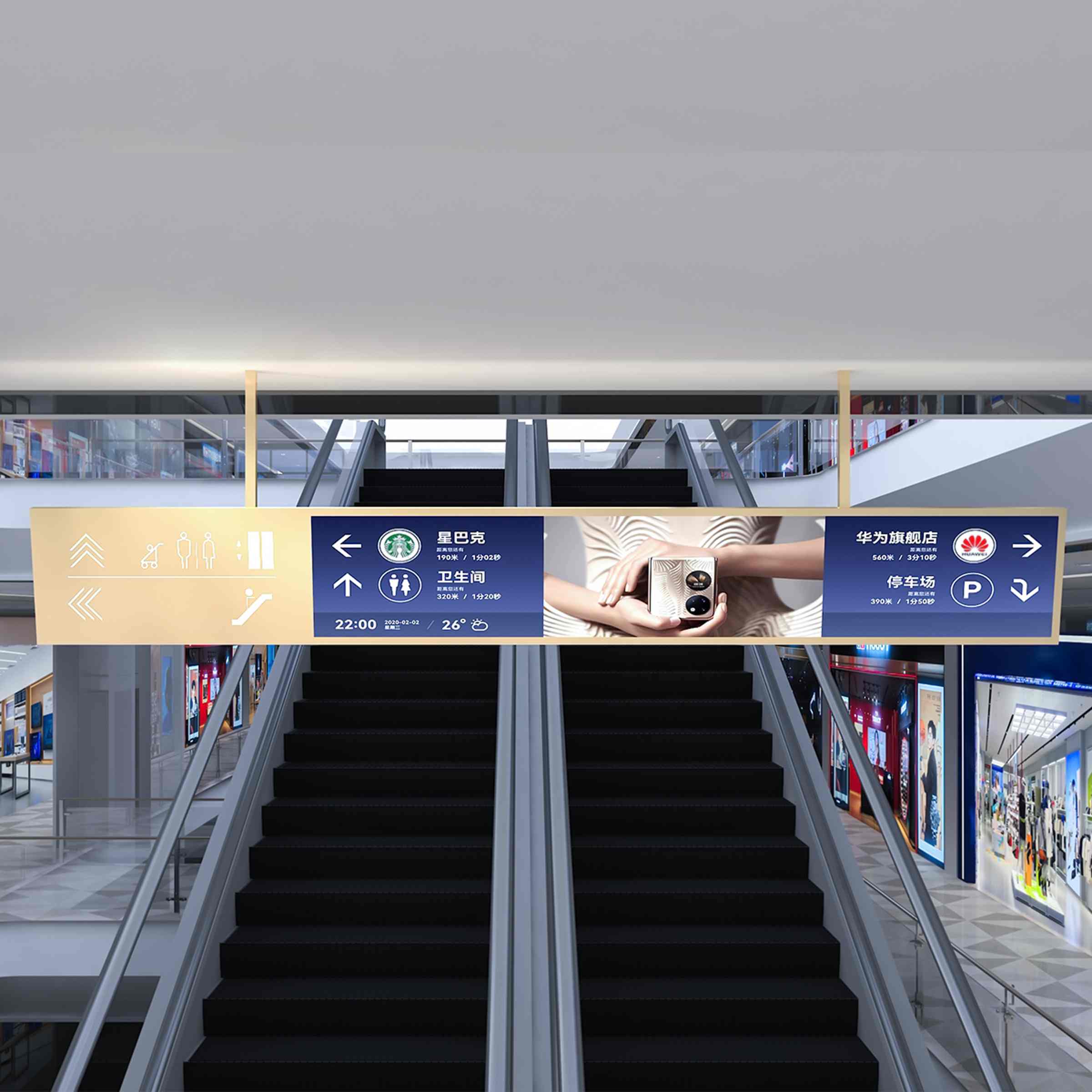
– Serviceability: replaceable modules versus permanently potted electronics.
– Certification: independent IP test reports, ADA tactile compliance verification, and warranty terms.
Three golden rules for picking the right waterproofing
1) Match the IP rating to real site risk — not just to the nicest-sounding number. Consider historical local weather and any known incidents of water ingress at the facility. 2) Prioritize serviceability: choose designs that let you replace an LED display module or fix a connector without breaking the whole seal. 3) Demand documented testing and clear installation instructions from the vendor; field teams are only as good as the guidance they follow.
For projects that must balance tactile compliance with ruggedness, a supplier who understands both ADA tactile requirements and enclosure engineering makes the difference on day one and ten years down the road — and that’s exactly the kind of practical support you get from Cosun Sign. Simple, built to last.