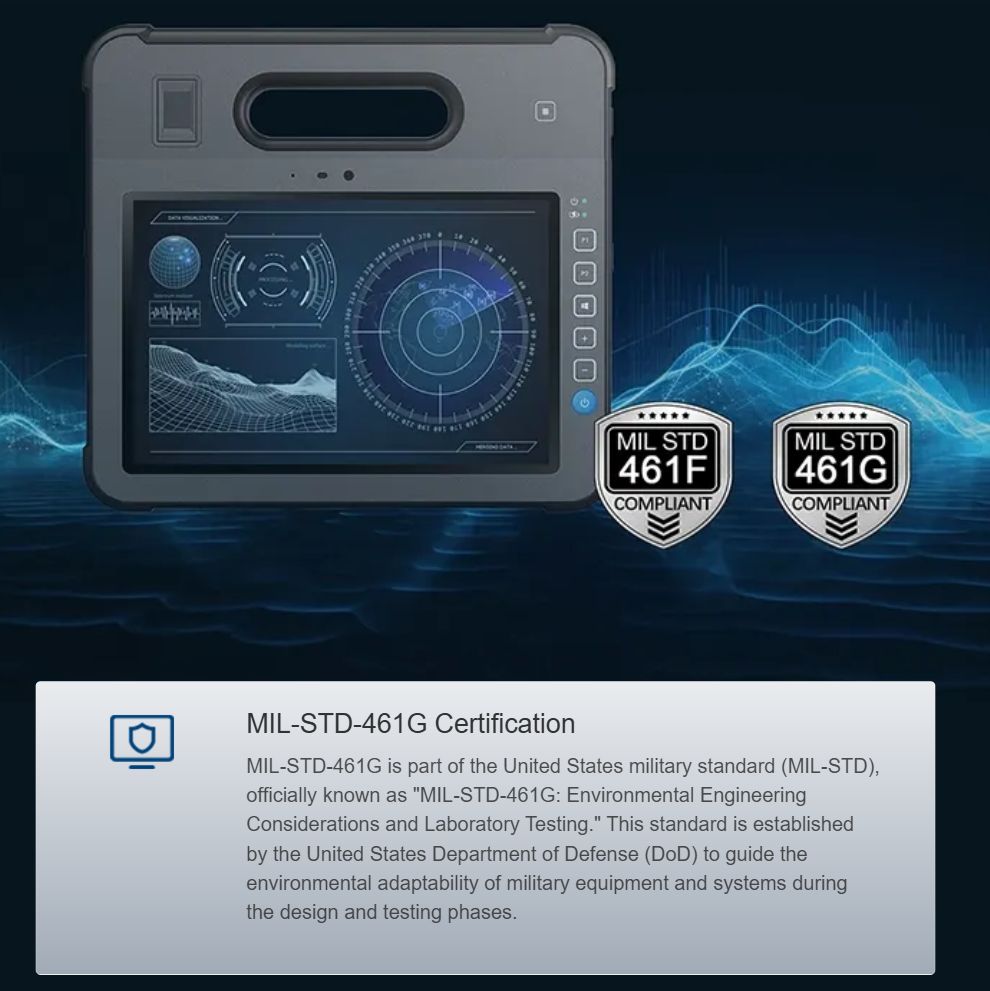


Why operators care about daytime readability
Field teams judge a ground control station by one thing first: can they read it under direct sun. A user-centric approach starts with the display—brightness measured in NIT, a robust sunlight-readable display, and an embedded computer that keeps UI frames crisp while conserving battery. Practical deployments at training centers like Fort Irwin show that visibility failures cost time and increase task errors, so engineers select platforms that pair display performance with rugged embedded computer modules from the outset.
Architecture constraints that actually matter on the ground
Portability, weight, and thermal limits shape the whole system. You cannot stack a desktop GPU into a carry kit without accepting heavier cooling and shorter runtime. Compliance targets—MIL-STD-810G for shock and vibration, IP67 for dust and water—set mechanical boundaries. Power budgets define acceptable CPU/GPU trade-offs. And physical ergonomics govern screen size and hinge design so sunlight readability does not come at the expense of ease of use.
Benchmarks to use when specifying a heavy-duty unit
Make specifications measurable. Target brightness ranges between 1,000 and 2,500 NIT for most daylight operations; contrast and anti-reflection treatments matter more than raw peak brightness. Latency under 50 ms is desirable for live video and control. Battery runtime should meet mission length—design for at least eight hours under mixed load or provide hot-swappable packs. Ensure touch controller supports glove and rain modes. Thermal throttling curves and sustained GPU performance determine whether you keep full-frame video or drop to lower resolutions in heat.
Common mistakes and how teams recover
Teams often chase single metrics—highest NIT or heaviest armor—without weighing system balance. The result is a unit that’s unreadable after two hours because fans throttle CPU, or a box too heavy to carry across uneven terrain. A practical recovery: reduce peak brightness, improve AR coatings, and move to more efficient display drivers. Field crews learn fast—after a few sorties they prefer stable mid-range brightness with better contrast and glove-aware touch, rather than the flashiest spec sheet.
Integration tips: what to test before approving procurement
Run these checks in sequence: outdoor legibility at multiple sun angles, thermal soak with sustained video, glove-touch validation, and ingress testing. Include realistic workflows—map overlays, video feeds, waypoint editing—so the human factors show up in test reports. Use logs to track frame drops and touch misreads during trials; these traces reveal whether a software driver or the display panel itself is the weak link.
Choosing platforms and evaluating vendors
Vendors who understand field constraints will offer modular systems: swappable compute modules, certified ingress ratings, and serviceable batteries. Look for products with firmware access for display tuning and documented thermal profiles. Request references from customers who have used gear in comparable environments—desert midday and coastal operations differ, and you need proof that the same solution handles both.
Advisory: three golden rules for procurement
1) Prioritize sustained readability over headline brightness: specify contrast ratio, AR treatment, and viewing-angle performance as required metrics. 2) Validate mission runtime under realistic loads and require hot-swap or external power options. 3) Demand vendor transparency on environmental testing (MIL-STD-810G, IP ratings) and a field-service plan to minimize downtime.
Good selection reduces operator workload and improves mission outcomes; the right balance lies in measured benchmarks and field-proven integration. Estone offers modular platforms designed with those priorities in mind—trusted in trials and ready for service —